Every dental practice in Texas loses revenue in the same quiet, predictable way. The phone rings at 6:47 PM. Nobody answers. The patient calls a competitor, books an appointment, and never comes back. In a high-volume Texas market, where the American Dental Association estimates patients wait an average of 18 days for an appointment, the window to capture a new patient is remarkably short. If your front desk is unavailable, that window closes immediately.
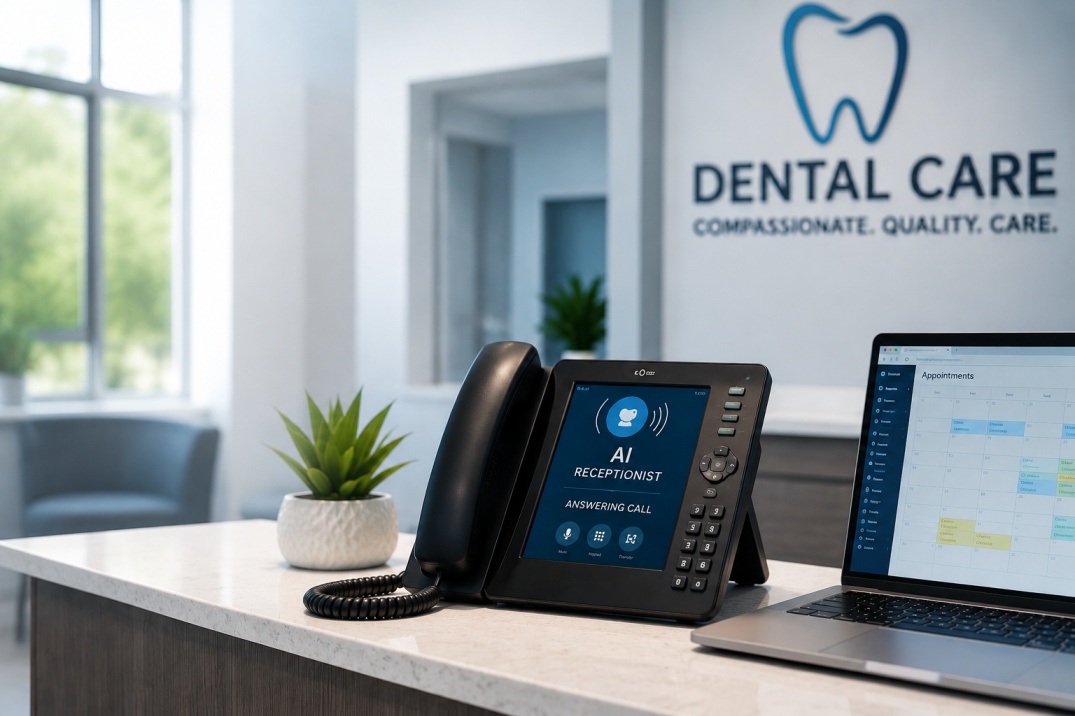
This is the core problem an AI receptionist for a dental practice solves. Not in theory — in daily practice, across real clinics in Texas that have deployed these systems and documented the operational difference within the first 30 days.
This article walks through how dental AI receptionist systems work, why traditional front desk workflows break under volume, and what a properly configured AI dental answering service actually delivers for patient scheduling, call management, and front desk efficiency.
The Operational Reality of Dental Front Desks in Texas
A busy dental clinic handles 60 to 100 inbound patient interactions on a peak day. Phone calls, appointment reminders, insurance questions, cancellations, new patient intake, and after-hours inquiries all funnel through the front desk. The people managing this are skilled, but no human team can handle concurrent demand at scale without dropping something.
The result is predictable: missed calls accumulate during lunch, at closing, and throughout evenings and weekends. Dental appointment automation is not a luxury for these clinics; it is the only realistic path to capturing revenue that is currently evaporating through the cracks of a manual process.
A HubSpot study on lead response time found that the likelihood of reaching a prospect drops by more than 10 times if you wait more than an hour to follow up. In dentistry, "following up" means returning a call to a patient who was already trying to book — and most practices have no system in place to do that after hours.
The three areas where traditional dental clinic operations consistently fail are after-hours call handling, concurrent call volume during busy periods, and new patient intake speed. Each is a revenue bottleneck. Each is addressable with the right automation system.
Why Traditional Front Desk Processes Break Down
The problem is not the people. Dental front desk staff often manage five competing priorities simultaneously. Scheduling a patient while another line rings, while a walk-in checks in, while a provider asks a question at the desk, this is a normal Tuesday morning, not an exceptional circumstance.
The deeper issue is structural. A manual call-handling workflow has a hard ceiling. It cannot scale with patient volume, it cannot operate after business hours, and it cannot follow up on missed calls without a human deciding to make that follow-up a priority. In a busy practice, it never quite rises to the top of the list.
Dental call management software built on basic voicemail-to-email systems helps at the margins but does not resolve the core issue. Voicemails still require someone to listen, respond, and manually enter the patient into the scheduling system. That is three steps where the lead can go cold or get dropped.
Dental appointment automation changes this completely. When a patient calls at 7 PM and an AI receptionist answers, qualifies the inquiry, books the appointment directly into the clinic's scheduling system, and sends a confirmation to the patient, that is not a better voicemail. That is a different system category entirely.
How an AI Receptionist for Dental Practices Actually Works
System Architecture
A properly configured dental AI receptionist operates as a natural language conversational system connected directly to your practice management software. Common integrations include Dentrix, Eaglesoft, and Open Dental. The AI answers calls, handles common patient questions (hours, services, insurance accepted), collects patient information for new patient intake, and schedules or modifies appointments in real time.
Call routing automation handles the triage layer. Emergencies get flagged and routed immediately to an on-call contact. Routine scheduling requests get handled end-to-end by the AI. Complex insurance questions can be flagged for a morning callback. This is not a phone tree; it is an adaptive conversation that responds to what the patient actually says.
After-Hours Patient Support
After-hours coverage is typically the fastest win. A Texas dental clinic running this system captures appointment requests that previously went to voicemail and were never converted. The AI collects the same information a front desk team member would collect, confirms the appointment in the patient's preferred window, and logs everything in the practice management system before the morning shift begins.
Patient Intake Automation
New patient intake is a second high-value application. The AI collects name, date of birth, insurance information, and reason for visit during the initial call. This eliminates the manual intake step entirely and ensures the clinical team has patient information before the appointment. Front desk staff arrive at a complete intake record instead of starting from scratch.
Appointment Confirmation and Recall
Patient retention systems built on automated communication reduce no-show rates significantly. The AI sends appointment reminders via SMS and email at configurable intervals — typically 72 hours and 24 hours out — with direct confirmation options that update the schedule automatically. Recall messages for hygiene appointments and follow-up care run on the same infrastructure.
What a 30-Day Deployment Looks Like in Practice
A general dentistry clinic in the Dallas-Fort Worth area running approximately 40 appointments per day deployed an AI receptionist system and measured operational changes over the following 30 days. The numbers below reflect real operational tracking, not projections.
After-hours call volume that previously went entirely to voicemail began converting at a meaningful rate. Patients who had previously called, left no message, and booked elsewhere were now completing the scheduling process during the initial call — regardless of the time. Front desk staff reported reduced call volume during peak morning hours as patients increasingly self-served through the AI system the night before.
The new patient intake process dropped from an average of 12 minutes of manual staff time to under three minutes, as the AI had already captured the core information during the booking call.
This type of operational improvement is consistent with broader research on AI in healthcare operations. McKinsey's analysis of generative AI in healthcare settings found that administrative automation — particularly patient scheduling and intake- represents one of the highest-impact, lowest-complexity entry points for AI adoption in clinical settings.
Implementation Framework for Dental Offices
Step 1: Workflow Mapping
Before deploying any AI dental answering service, map your current call volume by time of day and category. Identify what percentage of inbound calls are scheduling requests, how many go to voicemail after hours, and what your current conversion rate is from first call to booked appointment. These baseline metrics are what you will measure against after deployment.
Step 2: Practice Management System Integration
The AI receptionist must connect directly to your scheduling system to function in real time. This integration step is where many generic chatbot solutions fall short — they capture information but cannot write directly to your calendar. Confirm native integration with Dentrix, Eaglesoft, or Open Dental before selecting a vendor.
Step 3: Configuration and Testing
Train the system on your specific services, insurance panels, provider names, and scheduling rules. A pediatric dentistry practice has different intake questions than a cosmetic dental office. The AI should reflect your practice's specific workflow, not a generic dental template. Test with realistic patient call scenarios before going live.
Step 4: Staff Briefing and Handoff Protocol
Front desk staff need to understand what the AI handles and what it escalates to them. Define the handoff protocol clearly: which call types trigger a human review, how the morning queue is structured, and where the AI logs interactions in the practice management system. Automation works best when it removes the repetitive work and surfaces the complex cases cleanly.
ROI and Business Impact for Texas Dental Clinics
The financial case for dental patient scheduling automation is straightforward. If your practice loses even three new patient calls per week to after-hours voicemail, and each new patient represents a reasonable average patient lifetime value, the cost of not having an AI receptionist in place exceeds the monthly investment in the system within the first billing cycle.
Beyond new patient capture, the front desk efficiency gains compound over time. When your team is no longer managing routine scheduling calls manually, their capacity shifts toward patient experience, treatment coordination, and insurance follow-up, the work that actually benefits from human judgment.
Dental office automation also supports dental lead management at the practice level, connecting patient intake, recall, and referral tracking into a unified system that runs without manual intervention.
Is an AI Receptionist Right for Your Dental Practice?
If your practice runs more than 25 appointments per day, receives meaningful after-hours call volume, or has identified missed call recovery as a revenue opportunity, the answer is almost certainly yes. The technology has matured significantly. The implementation timelines are shorter than most practice managers expect, and the operational impact is measurable within weeks.
The practices that see the strongest results are those that treat AI receptionist deployment as a workflow redesign project, not a tool installation. The system is a complement to your front desk — it handles the volume and the hours that humans cannot realistically cover. Your team handles the complexity and the relationships.
Mental Forge builds AI automation systems for Texas healthcare practices, including dental clinics across the Dallas-Fort Worth metro. Each engagement starts with a workflow mapping session to identify exactly where automation delivers the fastest operational return.
Ready to see what an AI receptionist could change in your dental practice? Book a consultation with Mental Forge and we'll map your current workflow, identify the highest-impact entry points, and show you what a working system looks like in your specific practice.